How to manage your SASOM Profile?
Updated March 27, 2026
You can edit your profile information anytime from the ‘Profile’ page.
Step 1: Go to ‘Profile’ menu
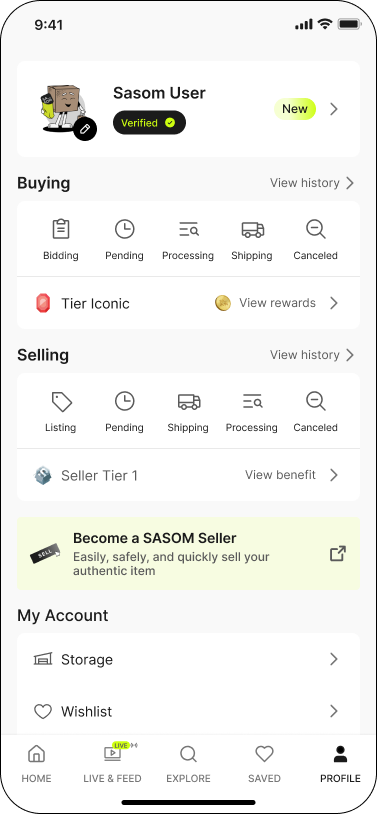
Step 2: Select 'Edit Profile' to update your profile information
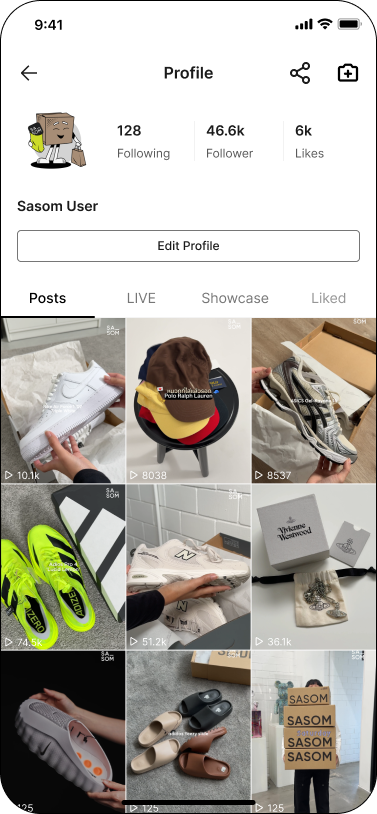
Step 3: Edit or update your profile details
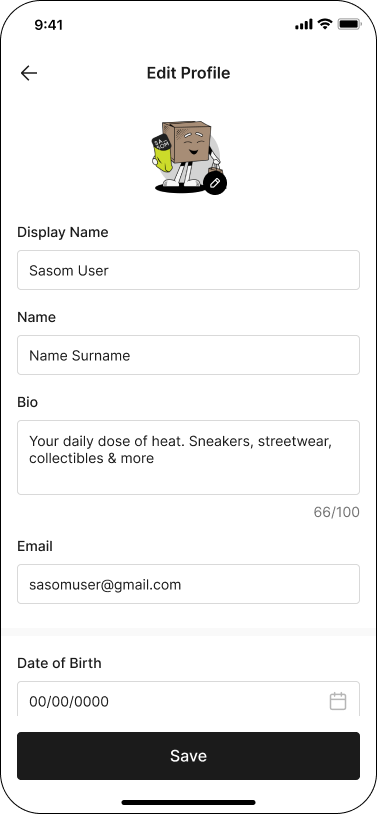
Step 4: Click ‘Save’ to apply changes.
Note:
✳ Your email and legal name are not visible to other users.
✳ Only your ‘Display Name’ and ‘Bio’ are publicly visible.