How to create your SASOM Profile?
Updated March 30, 2026
Your SASOM Profile lets you engage with SASOM community while keeping your account identity private for transactions.
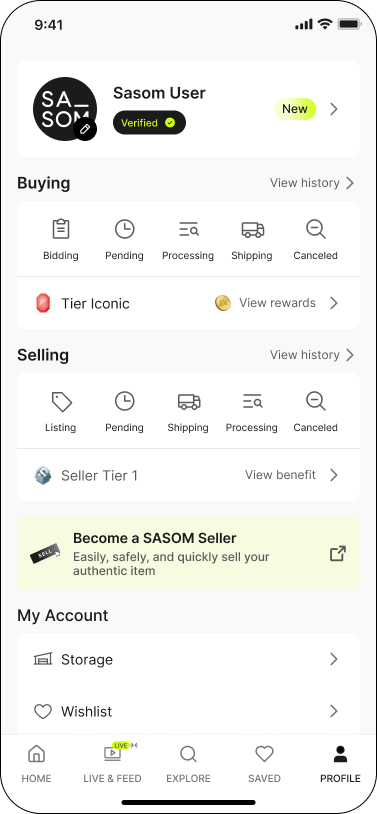
Step 1: Go to 'Profile' menu
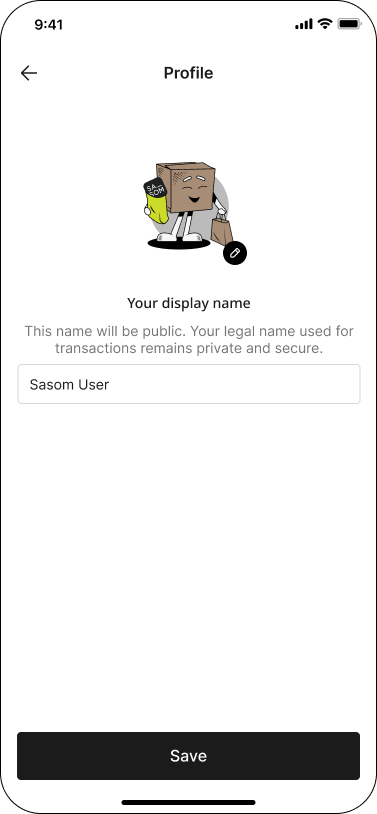
Step 2: Start creating your profile by enter your Display Name
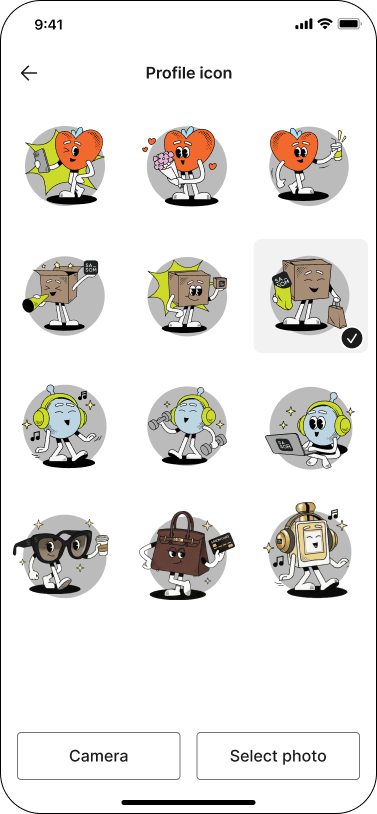
Step 3: Select an avatar or upload a photo from your device
Step 4: Save your profile