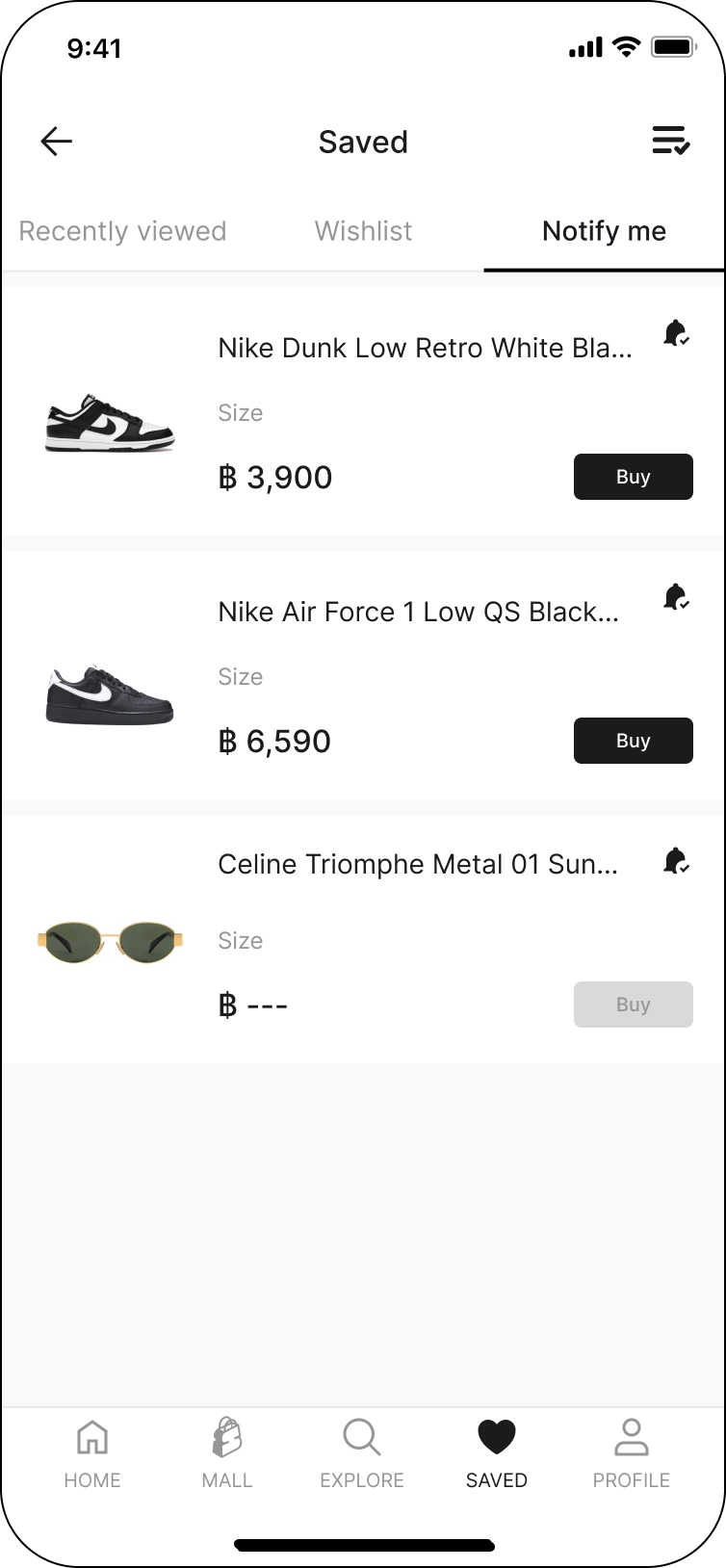
What is Notify me ?
Updated February 13, 2026
The 'Notify Me' feature allows you to save your interest items and receive notifications when the price updated. You can add items to your saved by simply clicking on the product detail page.
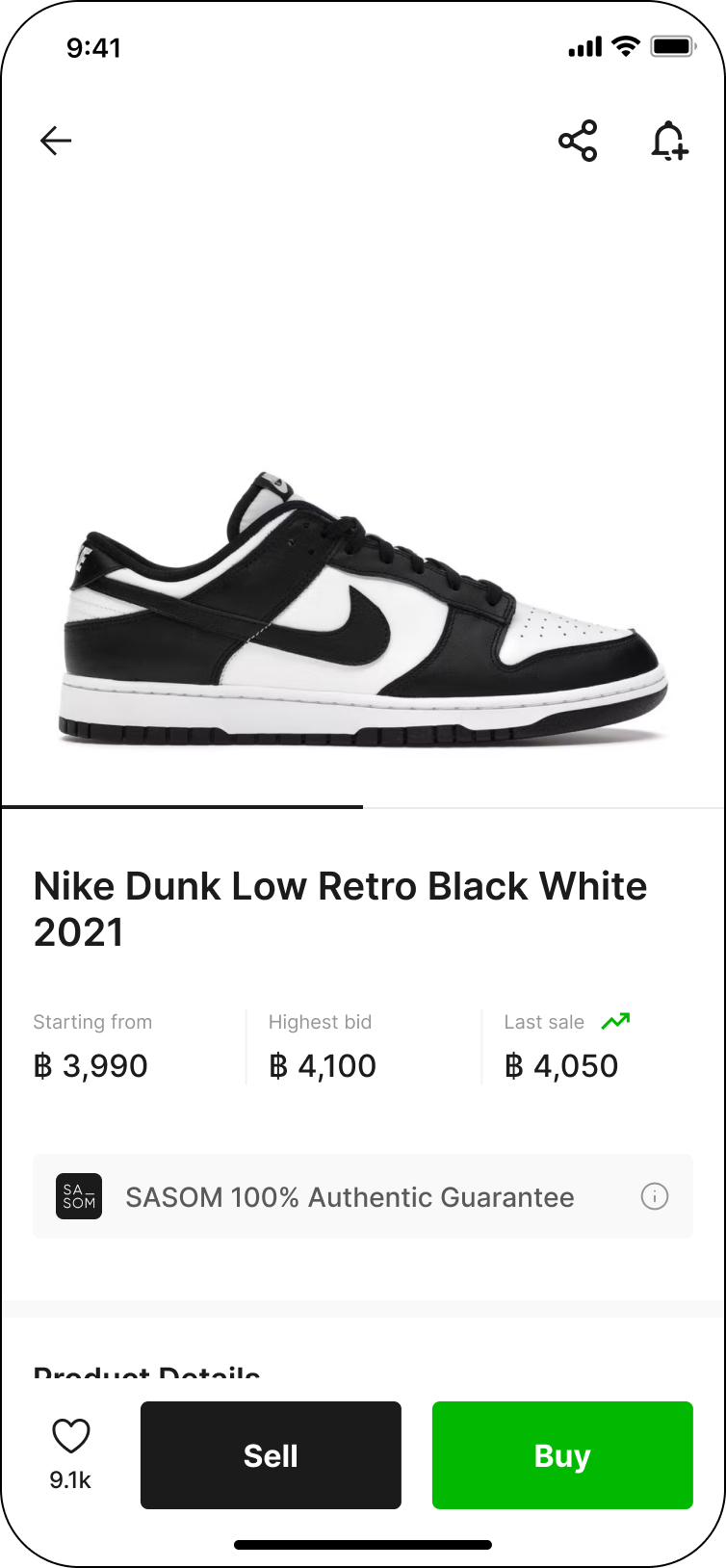
Example: How to view my notify me items
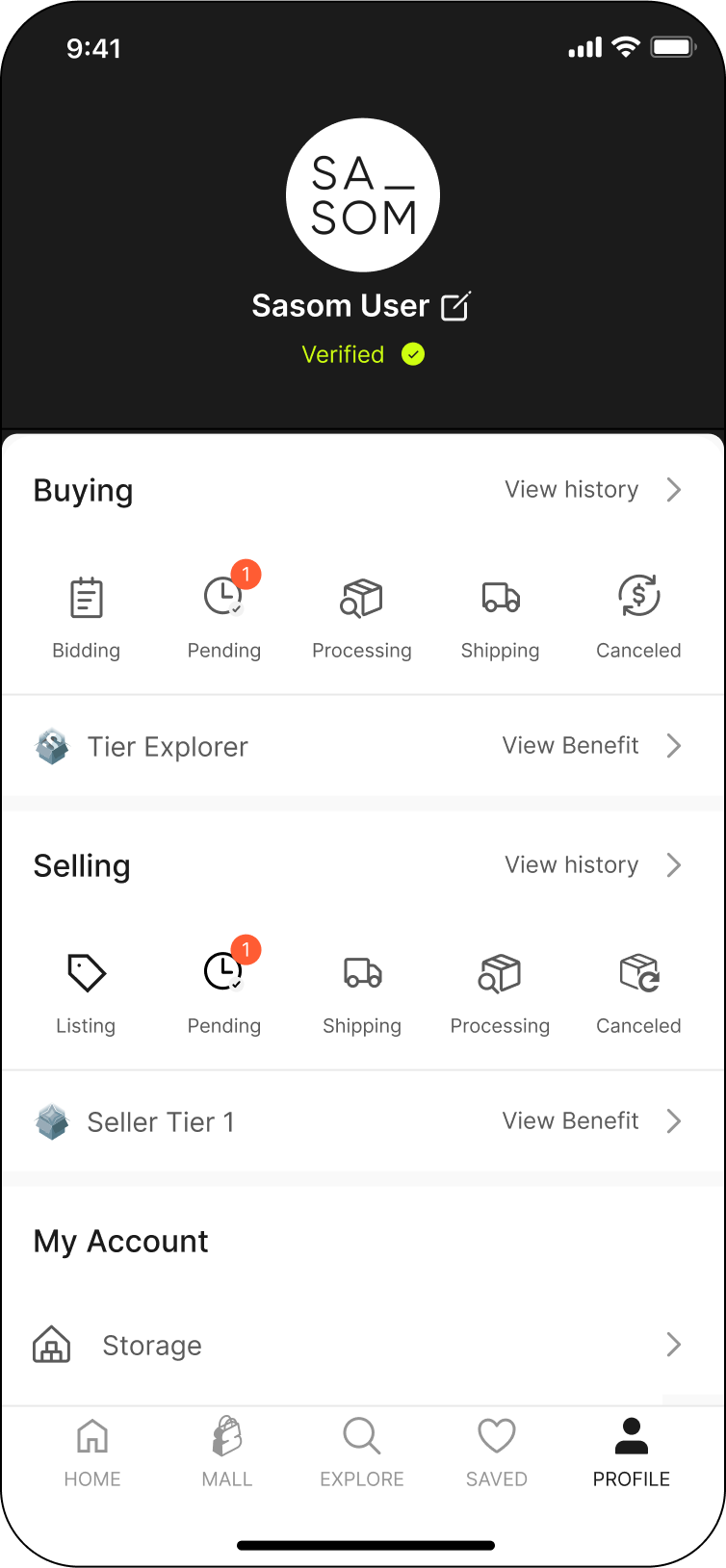
Step 1: Select 'Saved' menu in your Profile
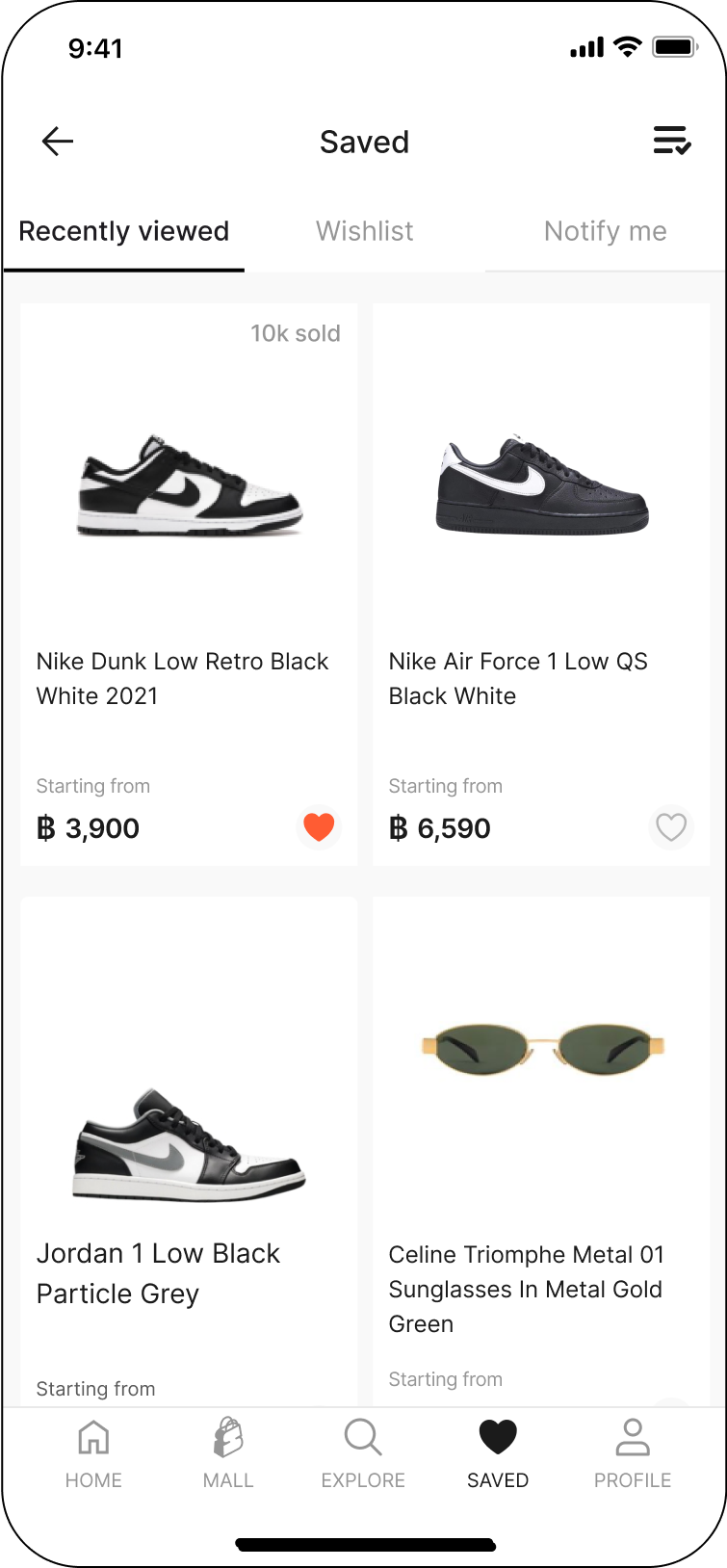
Step 2: Select tap “Notify me“
Step 3: All of the product you’ve saved by Notify me will be displayed