How to Edit or Delete listing?
Updated May 15, 2026
You can edit or delete your listing at any time before it is sold.
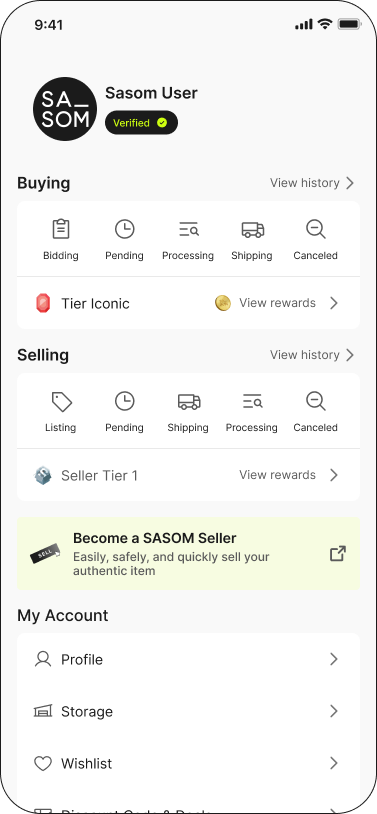
Step 1: Go to the 'Profile' page, select the 'Listing' menu under the 'Selling' section.
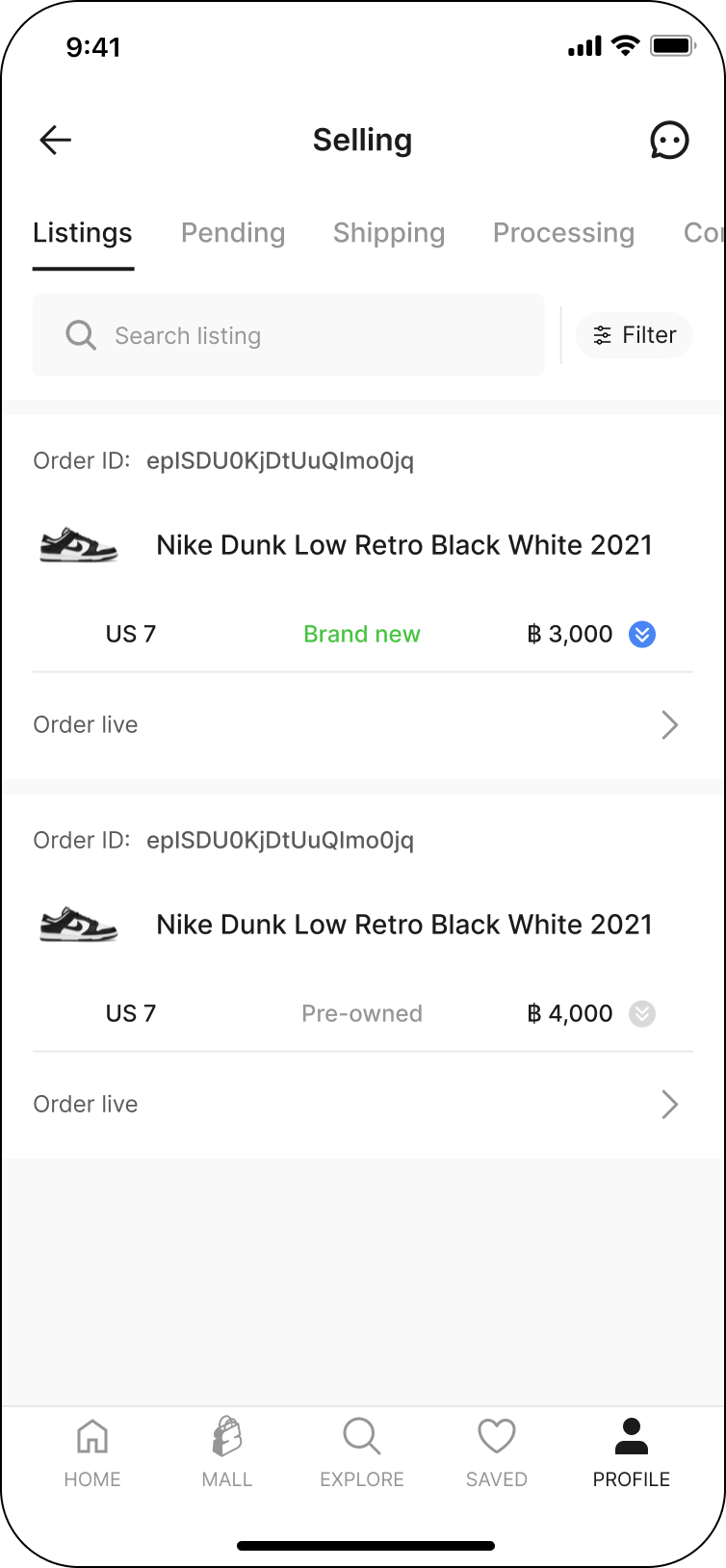
Step 2: Select the listing you want to edit or delete.
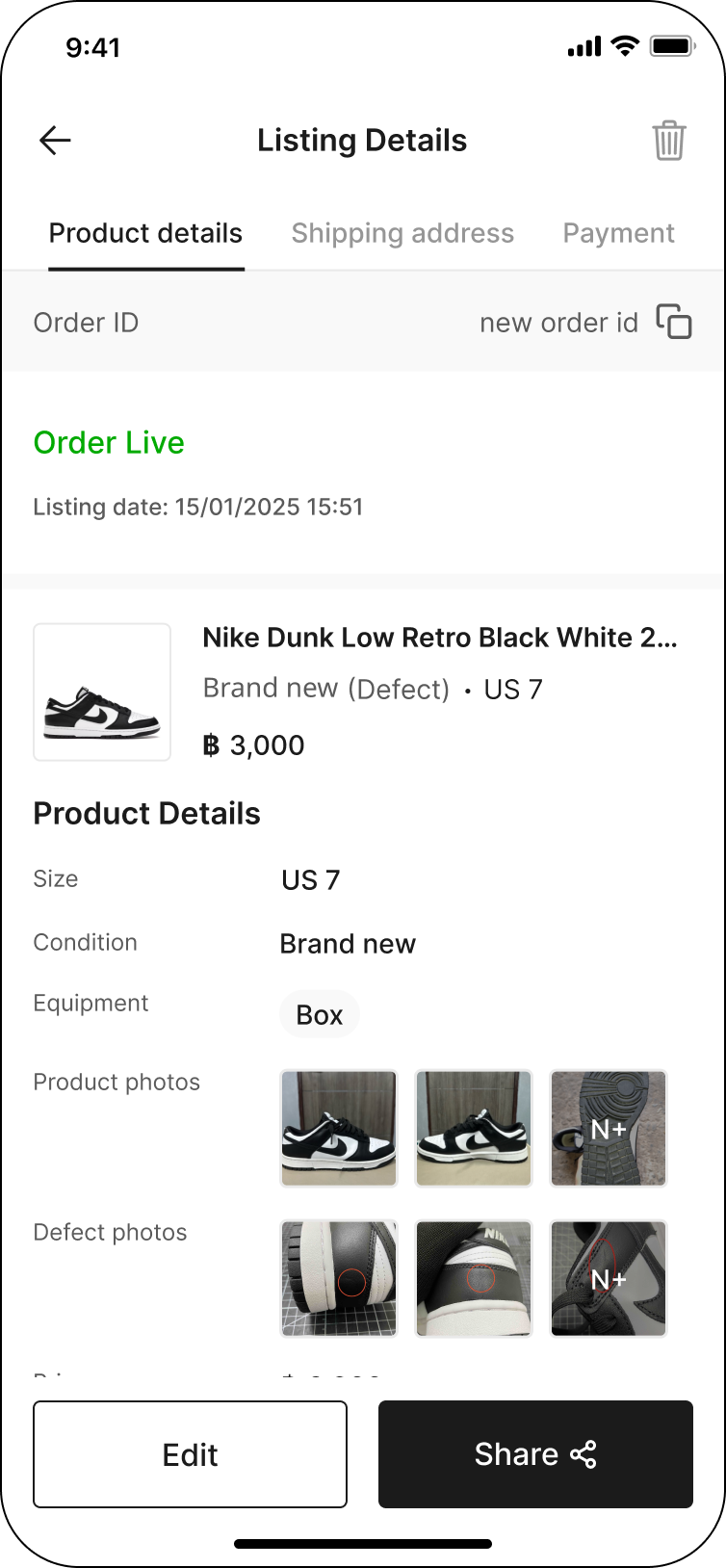
Step 3: Click the 'Edit' button to make changes, or click the 'Trash bin' icon in the top right corner to delete the listing.
Note:
✳ You cannot delete the accepted order.
If you have any difficulty editing or deleting your listing, please reach out to us through one of our contact channels in Customer Service.