How to pay with ShopeePay?
Updated May 13, 2026
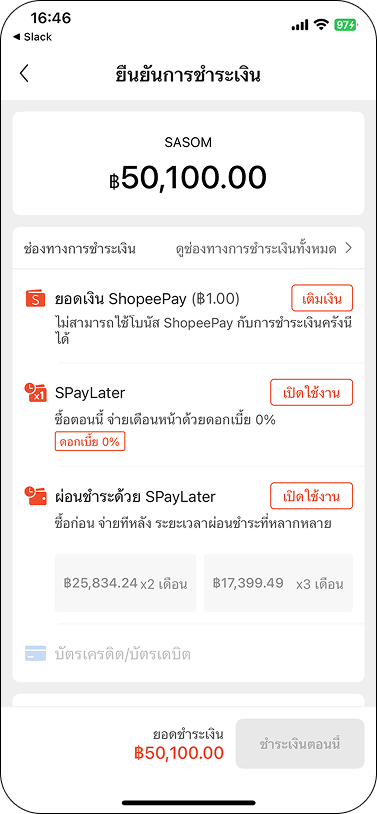
ShopeePay allows you to make a payment by deducting from your ShopeePay Wallet Balance. Please top-up enough amount to your wallet before purchasing with SASOM.
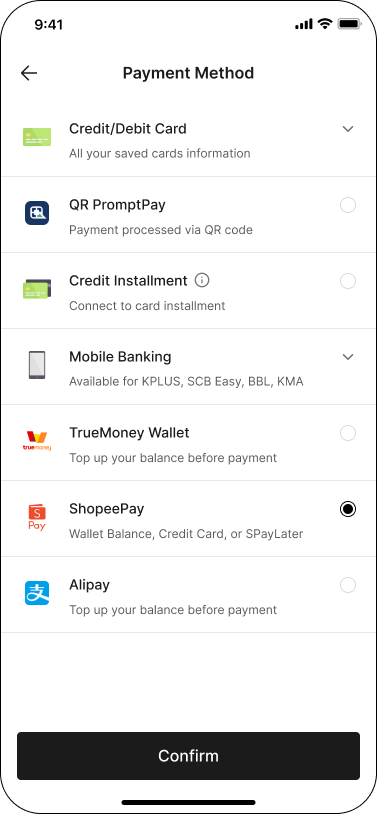
For App users: You can choose to pay with 3 methods: ShopeePay Wallet Balance, Credit Card, or SPayLater
For Web users: You can only pay with ShopeePay Wallet Balance
How to pay with ShopeePay
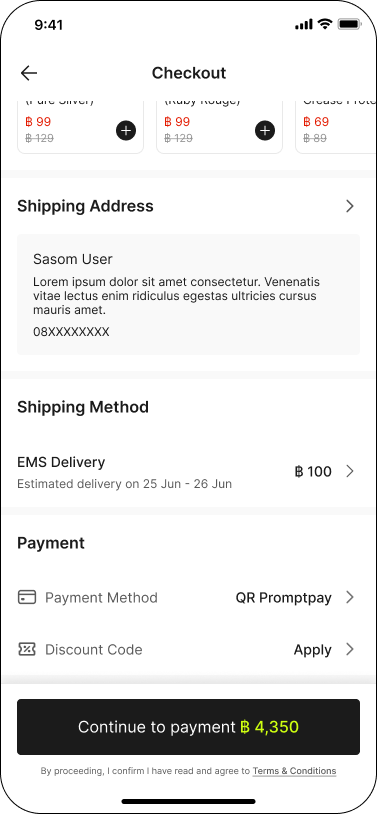
Step 1: At Checkout, select 'ShopeePay' as your 'Payment Method', then click 'Continue to payment' to proceed.
Step 2: This will trigger a pop-up with the ShopeePay interface to guide you through the process.