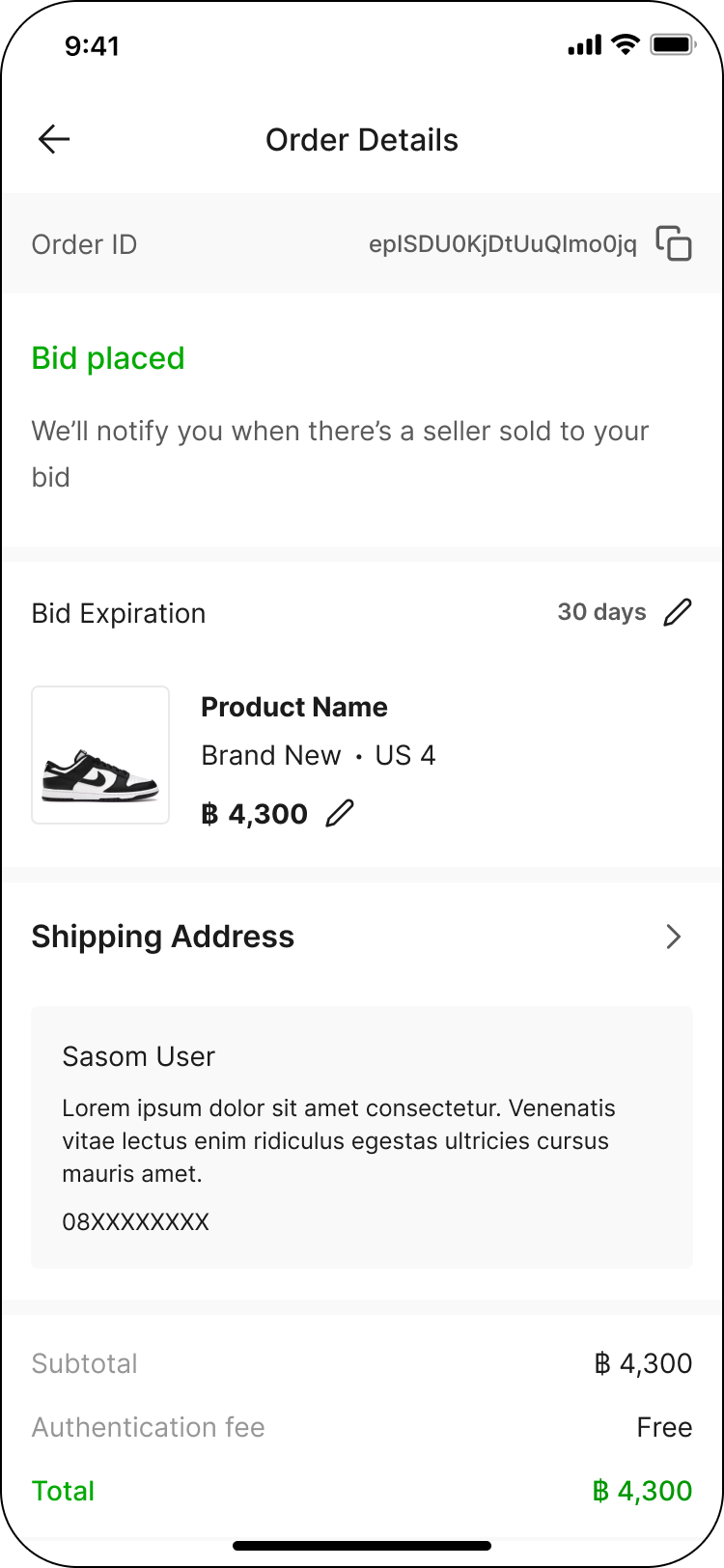
How to Edit or Cancel a Bid?
Updated May 15, 2026
You can edit or cancel your bid anytime via your Buying (Bidding) before it gets accepted.
Simply click into the bid order to update your bid price or adjust the expiration period, then click 'Save' to confirm.
Example: How to Edit or Cancel a Bid?
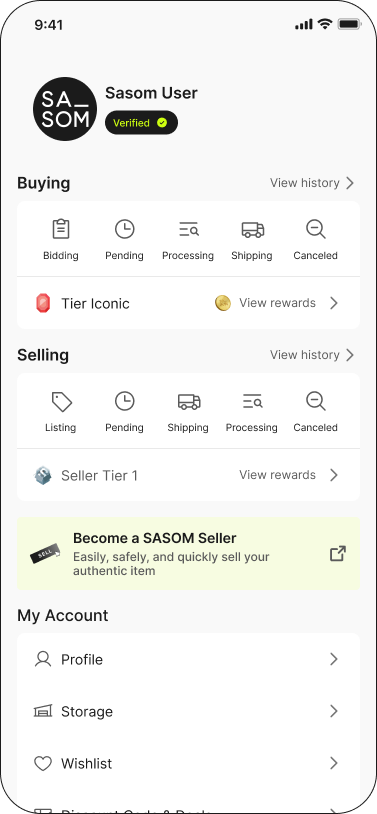
Step 1: Go to 'Buying' menu in your 'Profile'
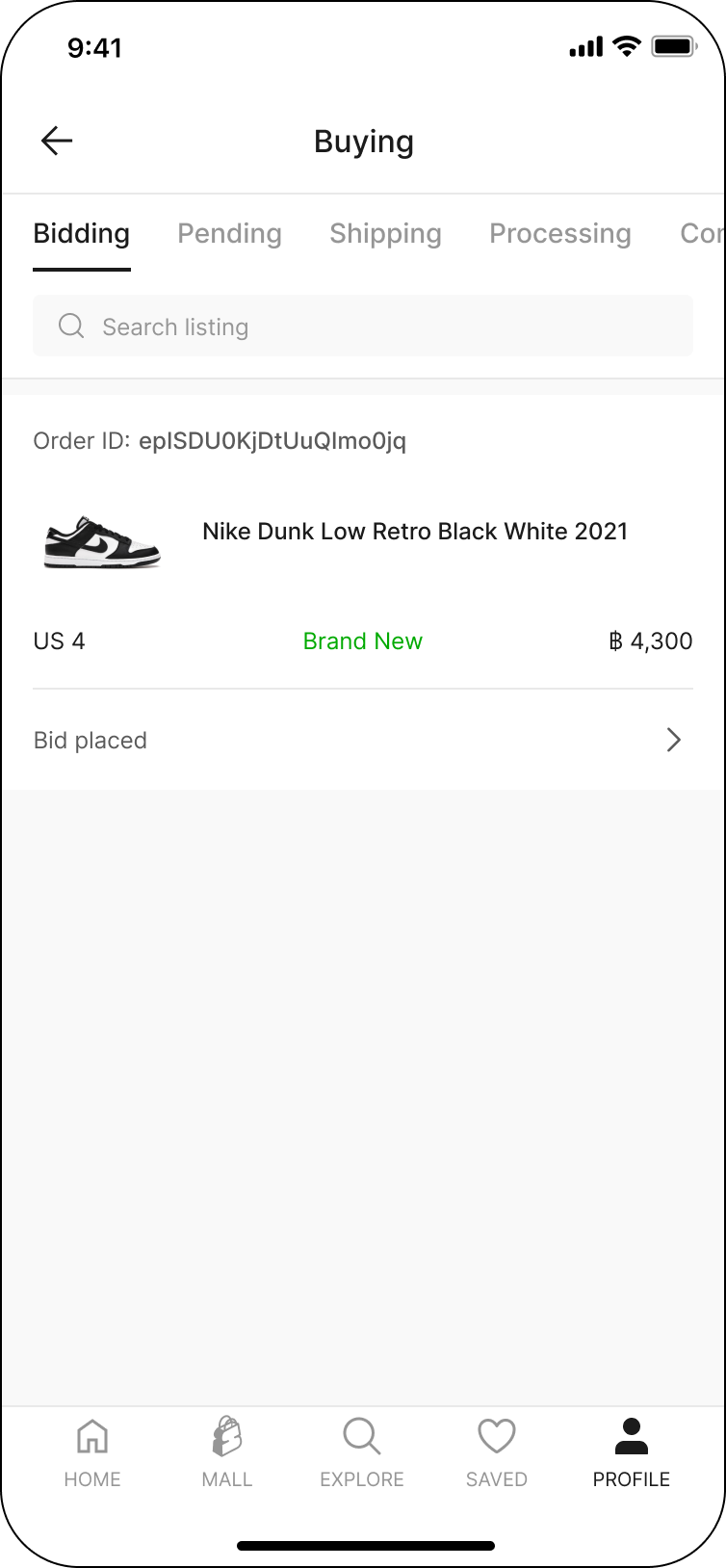
Step 2: Select 'Bidding'
Step 3: Edit or cancel the bid you've placed in 'Order Details'