How to redeem SASOM points?
Updated May 15, 2026
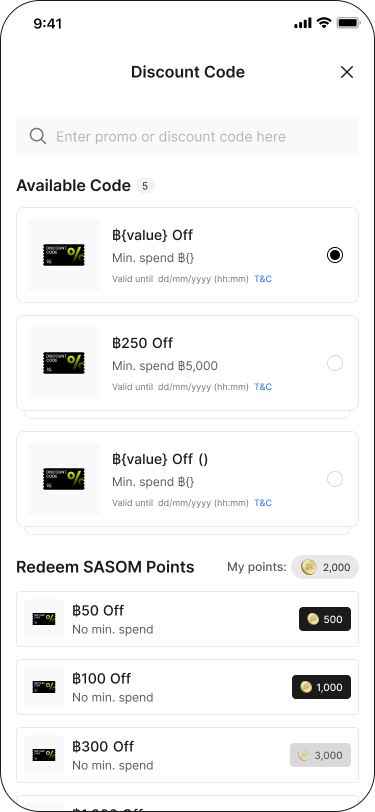
You can use SASOM points that you've earned to redeem the benefits or discount code at Discount Code & Deals menu in your Profile, or during the checkout process of your purchase.
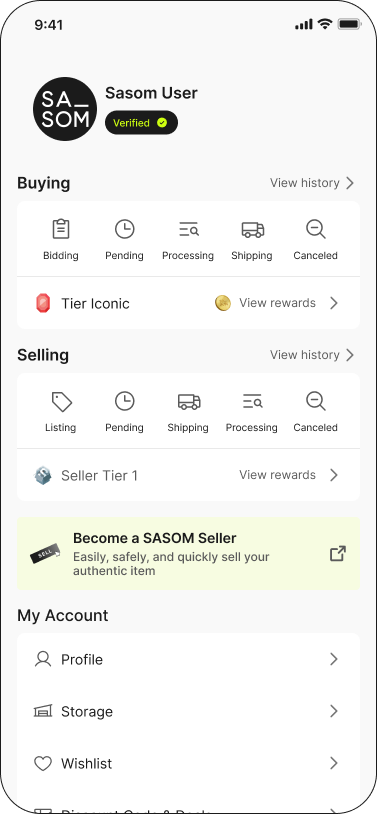
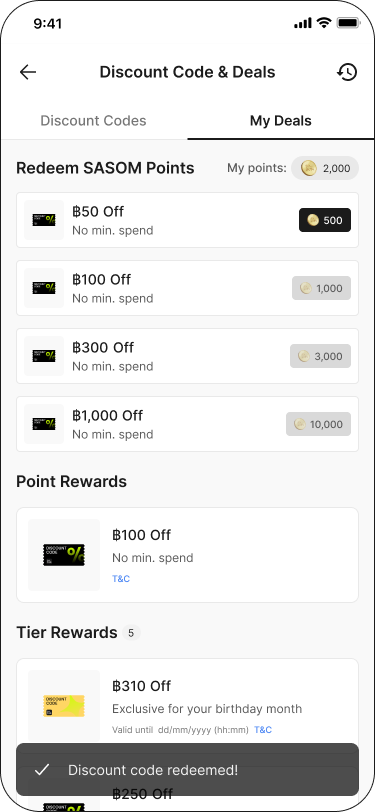
1. Redeem Discount Code & Deals menu in your Profile
Step 1: Go to 'Discount Code & Deals' menu in your Profile
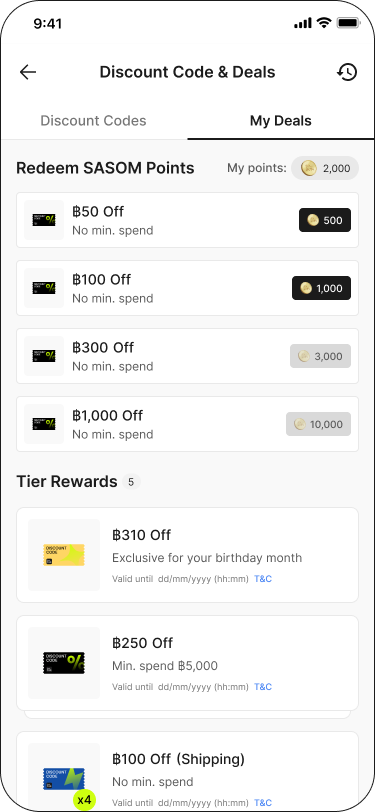
Step 2: Check available SASOM points and choose any applicable discount codes or deals for redemption below.
Step 3: Select 'Redeem'
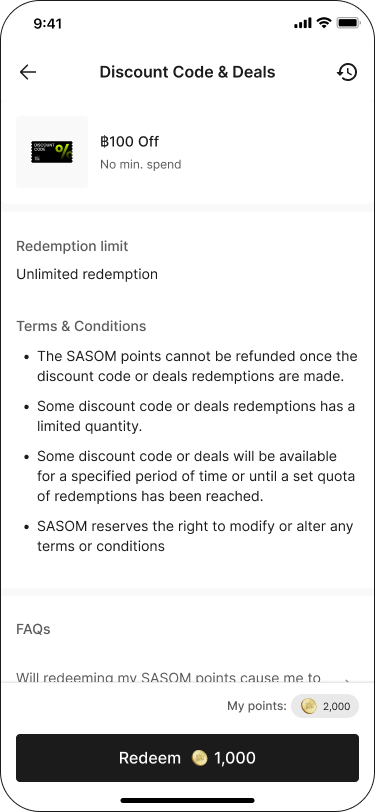
Step 4: After successfully redeemed, you can select between 'Use now' or 'My deals' to view redeemed discount codes and deals.
2. Redeem Discount Code during the checkout process of your purchase
Step 1: Click 'Apply' Discount Code
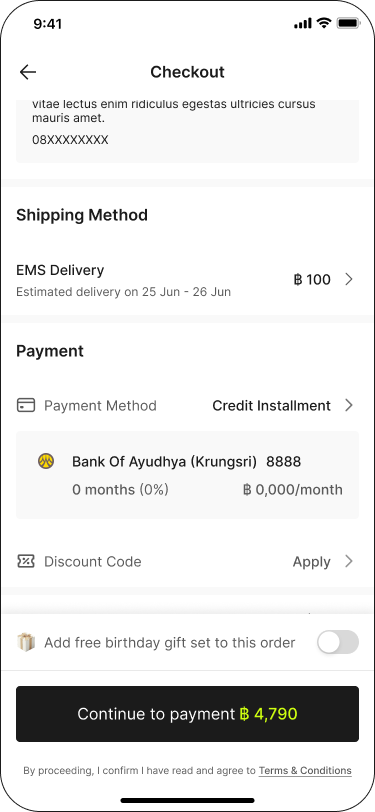
Step 2: Select 'Redeem' tab and choose the discount coupon amount that you would like to redeem.