How to use a Discount Code?
Updated May 15, 2026
You can apply the discount code during the checkout process of your purchase either by:
- Select an available discount code in My deals, or
- Enter promotional discount code and click apply.
Example: How to use a discount code
Select 'Discount Code' in Checkout
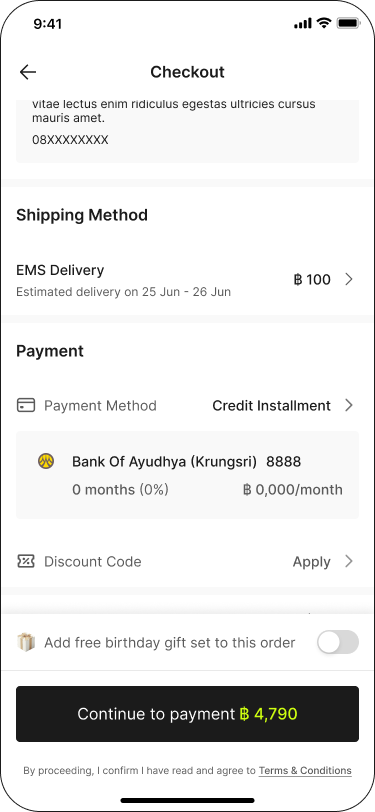
1. Select an available Discount Code in My Deals, or
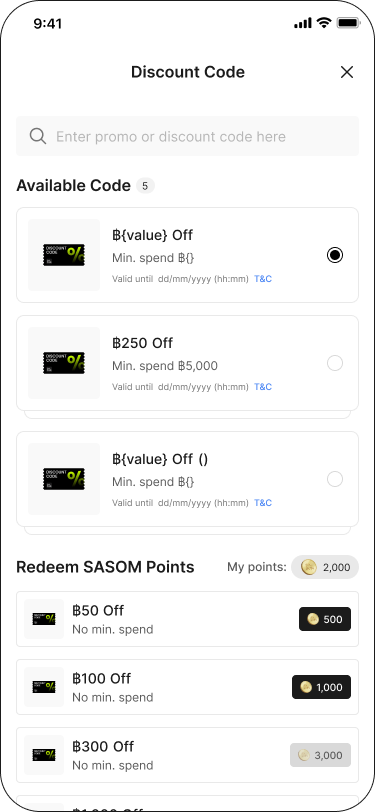
2. Enter promotional Discount Code and click "Use now"
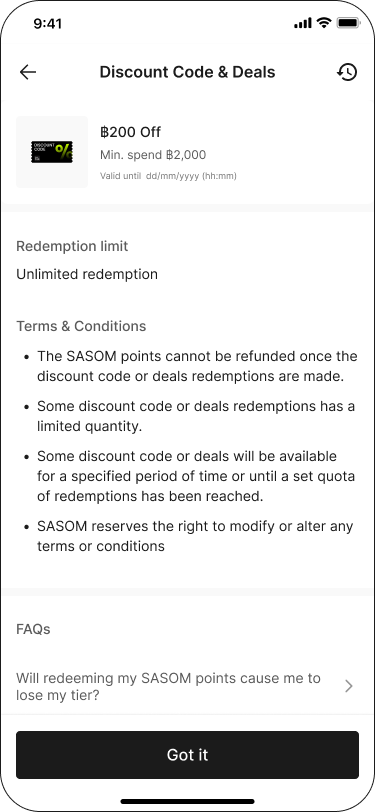
Note:
✳ A discount code is not applicable for Bid transactions, pre-order, and installments.
✳ A discount code will be restored to your account automatically for any cancelled transaction or authentication failed order.