How to watch and buy during a LIVE show?
You can watch the SASOM LIVE and buy products directly during the stream.
Step 1: Join an ongoing LIVE
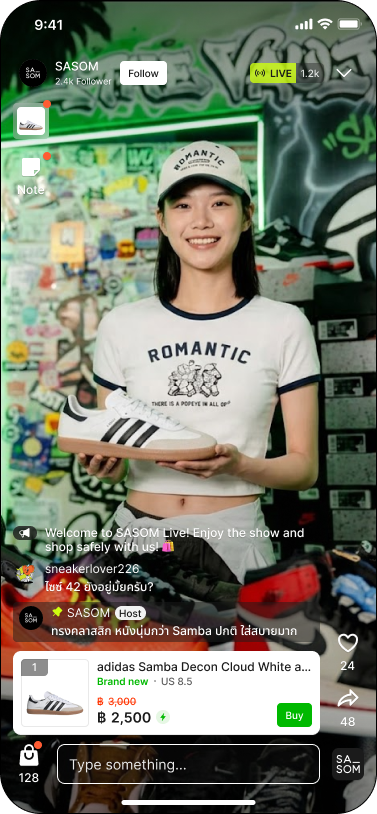
Step 2: View products during LIVE
The host may pin a discussed item on the screen. You can also open the product list to see all items available in this LIVE session.
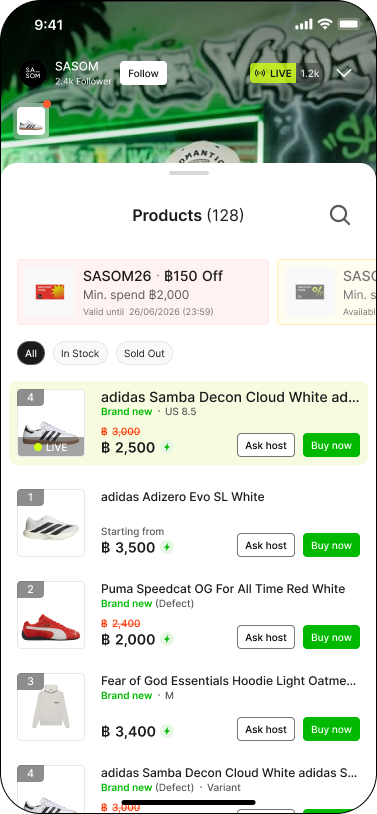
Step 3: Interact during LIVE
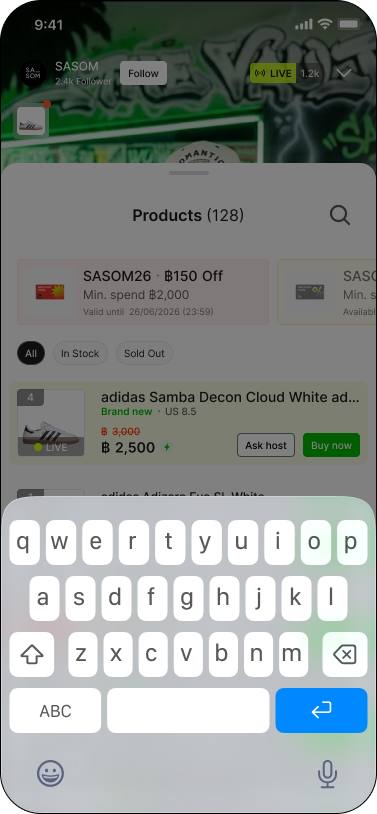
You can interact with the host and other viewers during the LIVE session.
Use the chat box to send messages.
Tap 'Ask host' if you want the host to show or explain the product.
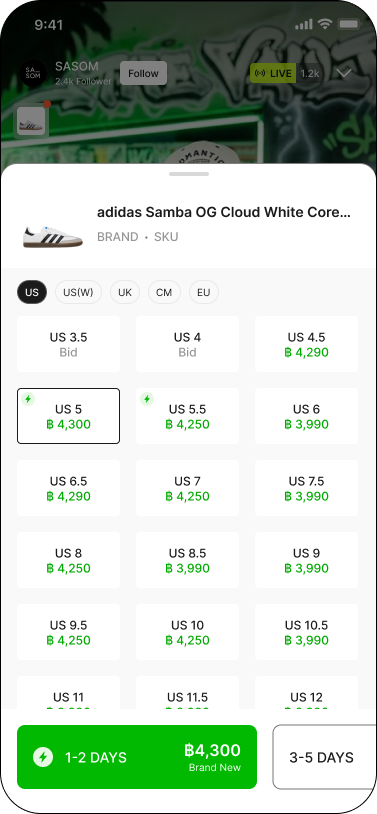
Step 4: Buy an item during LIVE
Tap 'Buy' on the pinned product or in the product list. Select your preferred size or variant (if any).
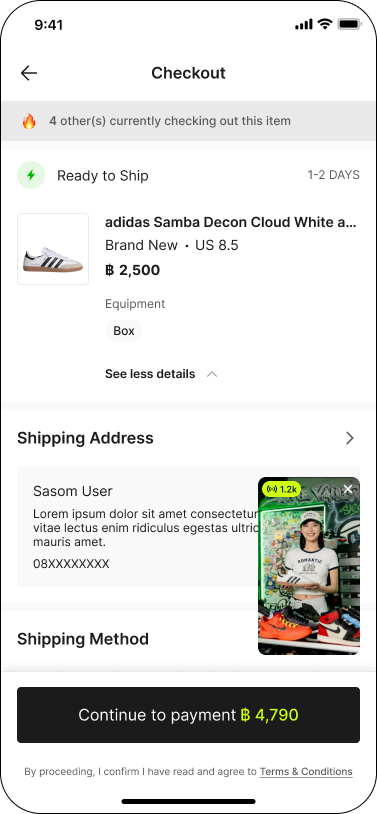
Step 5: Checkout
Fill in your shipping address, shipping method, and payment method. Check whether you want any add-ons with your item. Apply discount code (if any) and click 'Continue to payment'.
Note:
✳ Prices and stock levels update in real-time during LIVE.
✳ Some promotions and discount codes are exclusive to LIVE.
✳ For Trading Cards and Blind Box items, buyers have to choose between 'Keep Sealed' or 'Open in Live' before checkout.