Register & Login to Seller Center
Updated February 20, 2026
Step 1: Sign Up or Log In
To start selling, you’ll need to register an account on SASOM Seller Center. Choose one of the following sign-up options:
- Sign up with email
- Continue with Facebook
- Continue with Google
- Continue with Apple ID
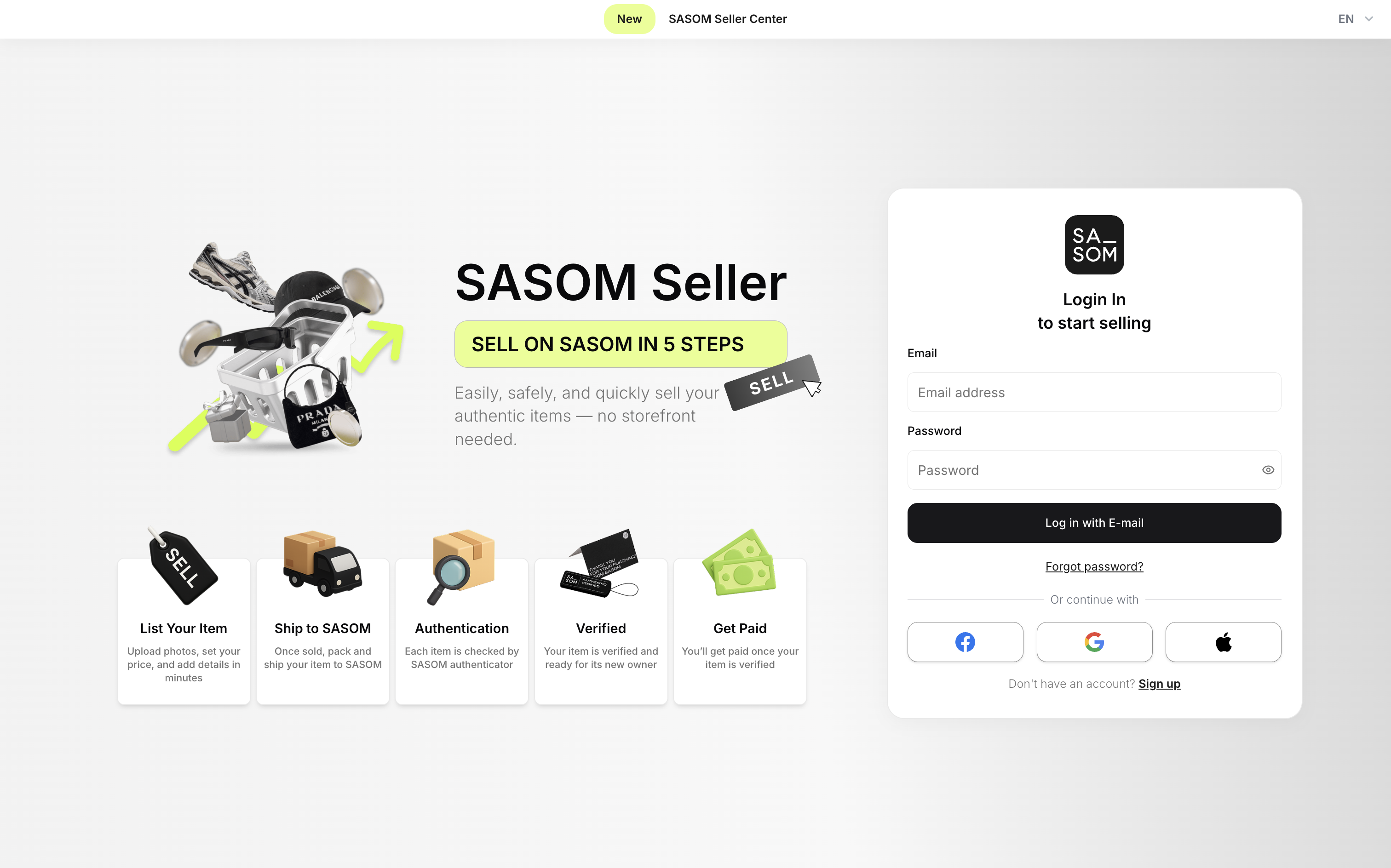
Already have an account? Log in
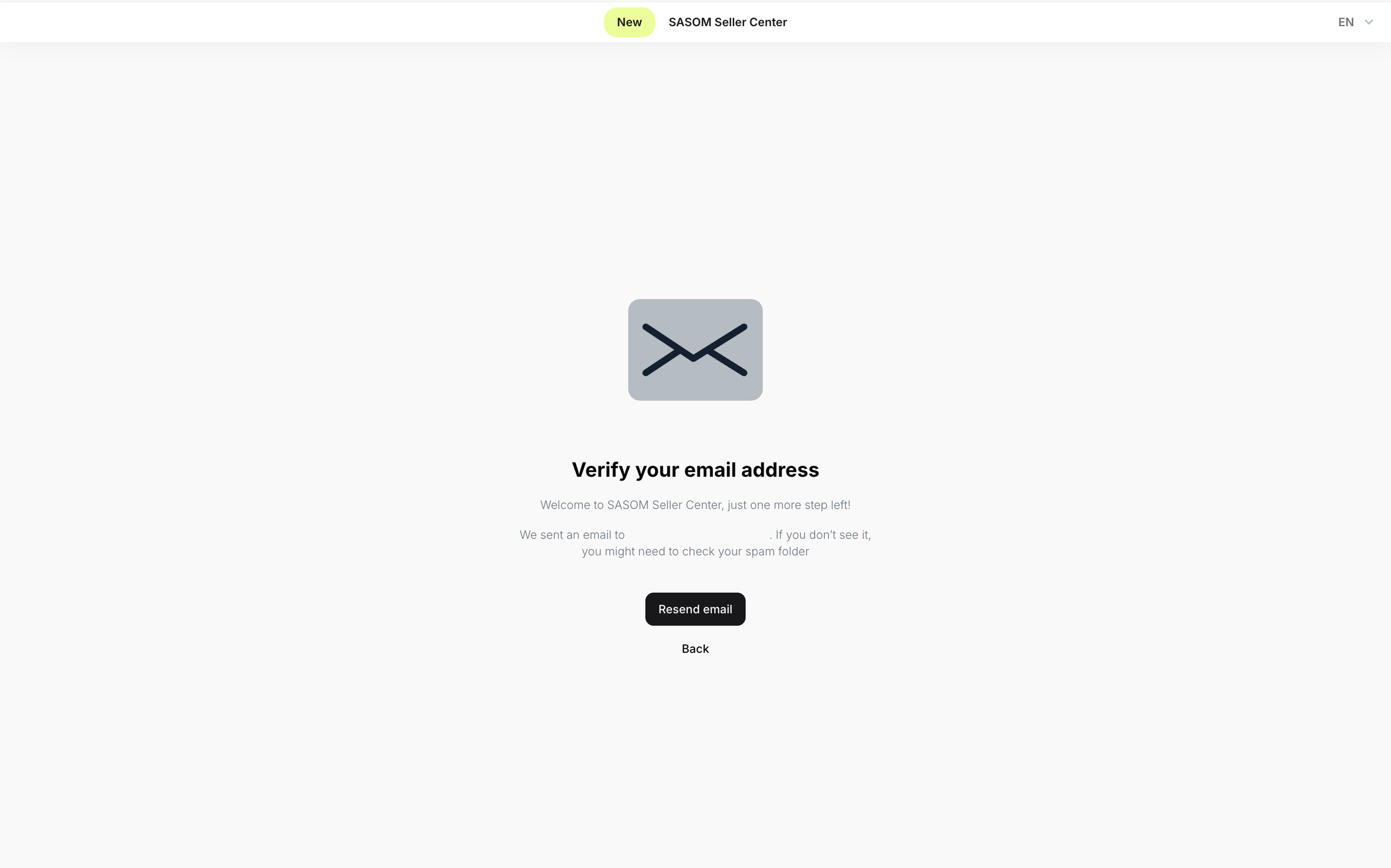
Step 2: Verify Email
If you signed up with email, check your inbox and click the link to verify your address.
Note: Didn’t receive the email? Check your spam folder or request a new one.
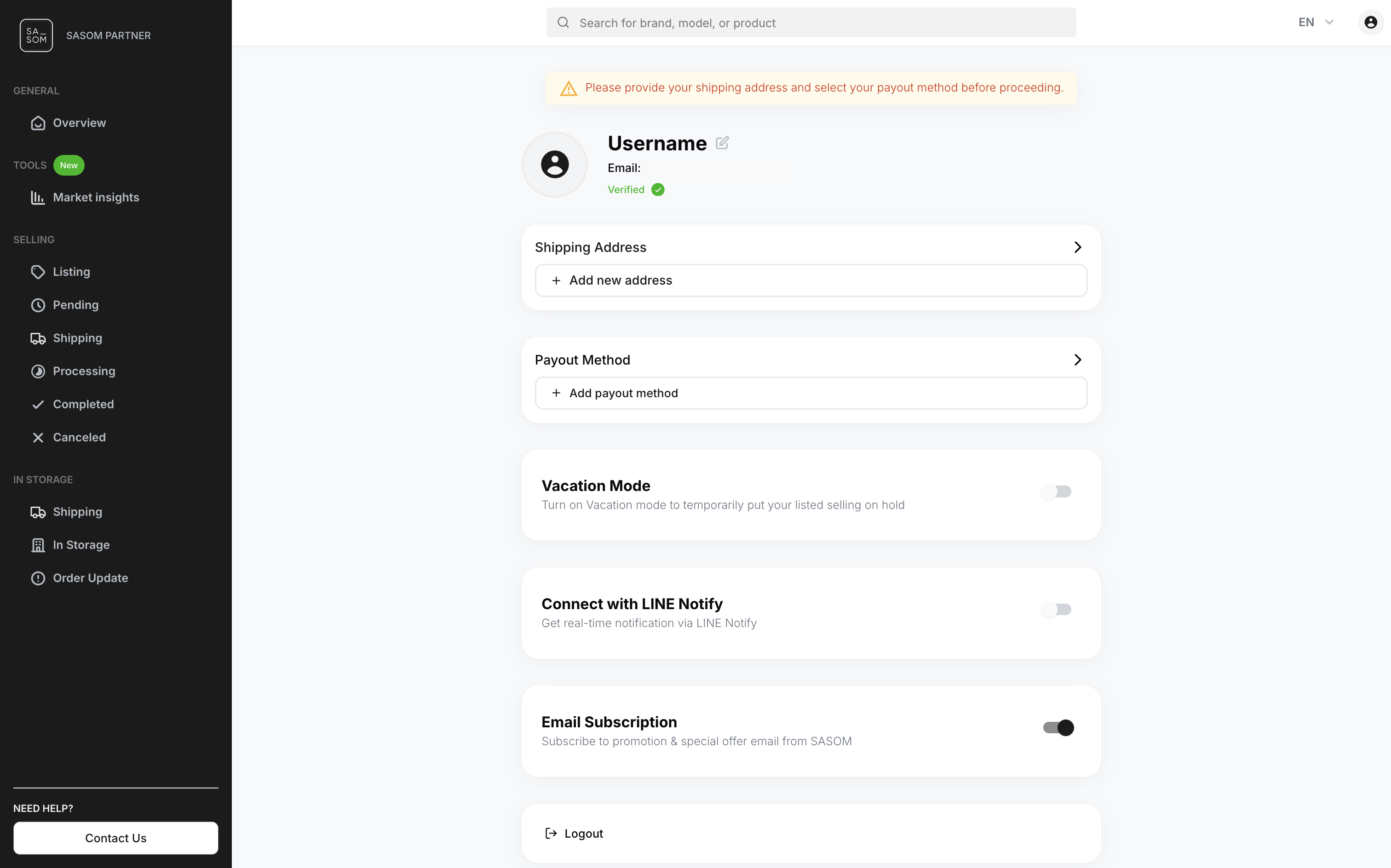
Step 3: Set Up Your Seller Account
Complete your Seller Account by filling in the required information: Username, Shipping From and Payout Method.