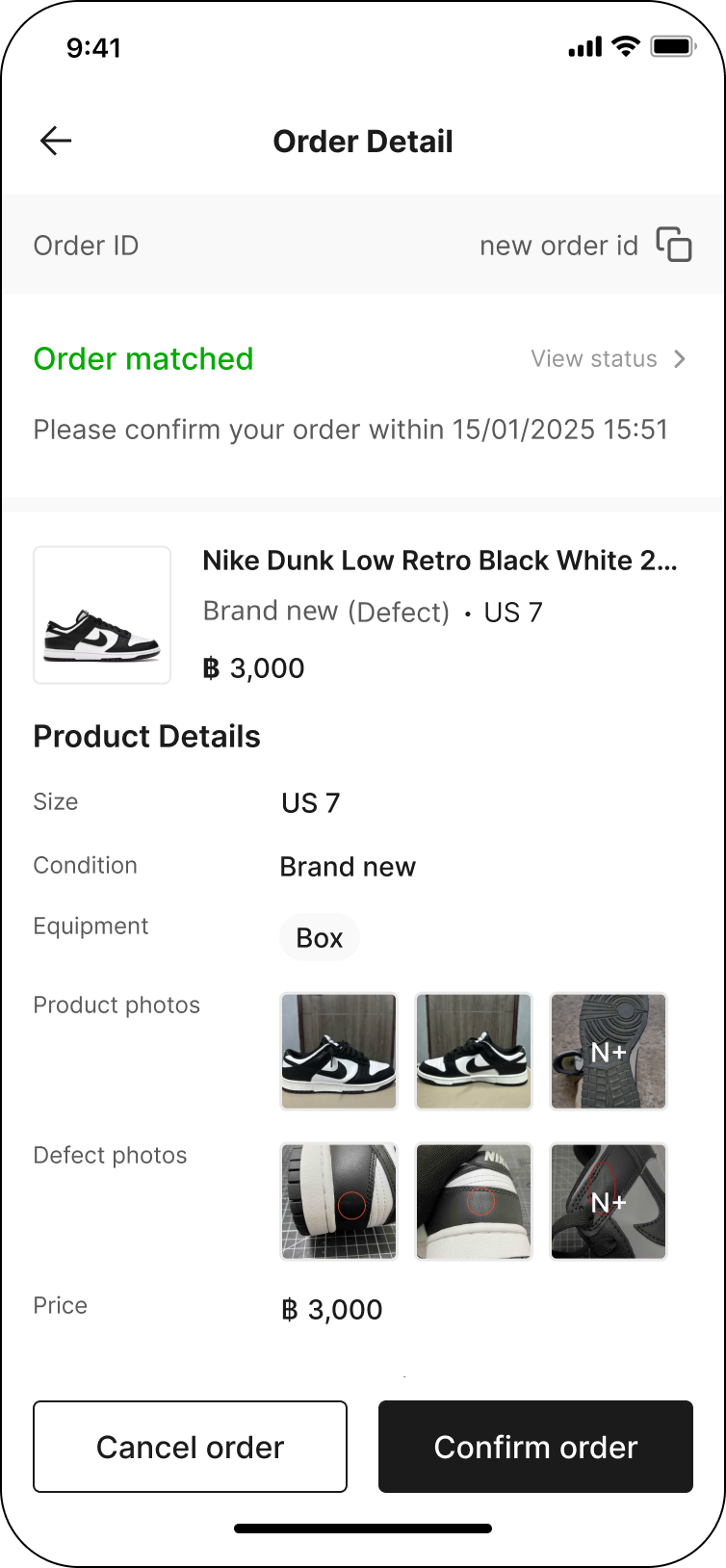
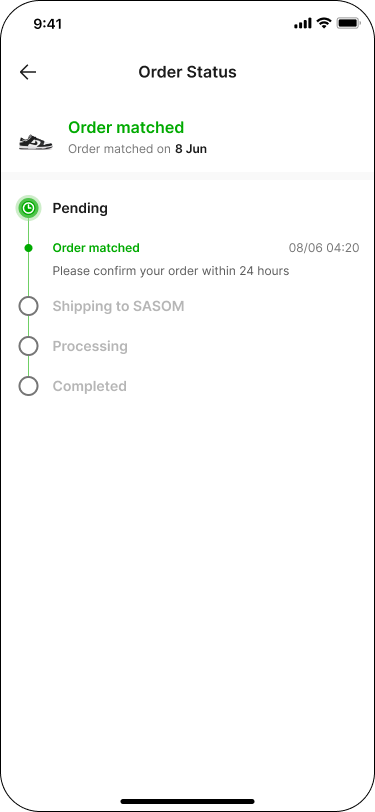
How can I track my selling order status?
Updated May 13, 2026
All of your orders will be categorized according to their order statuses: Pending, Confirmed, and Completed.
You can track your order status at Selling.
Example: How to track order status
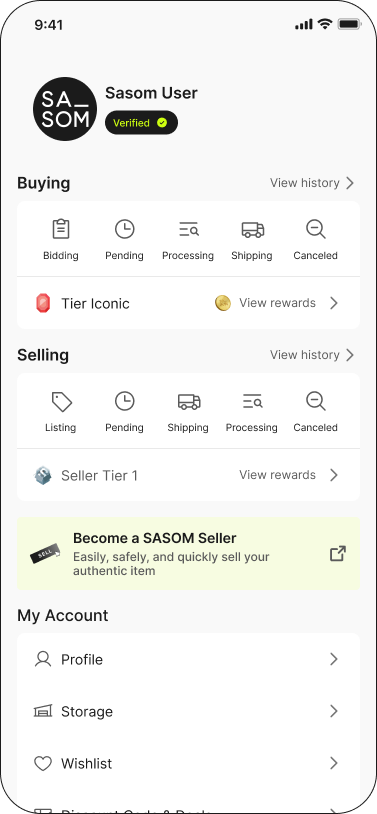
Step 1: Go to 'Selling' menu in your 'Profile'
Step 2: Select 'Pending, Confirmed, or Completed' under Selling.
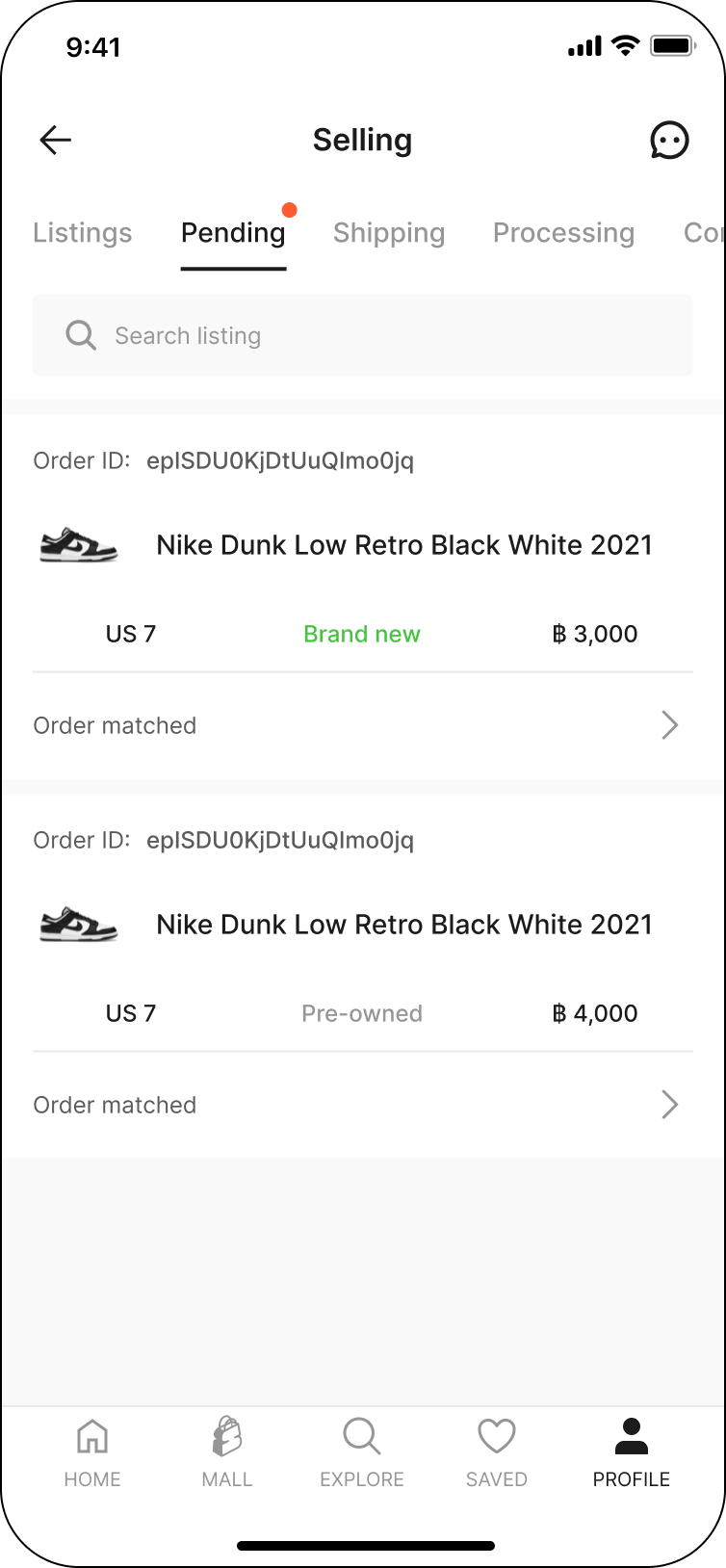
Step 3: In each tabs, select the item that you want to track and view order status detail.