How to Buy?
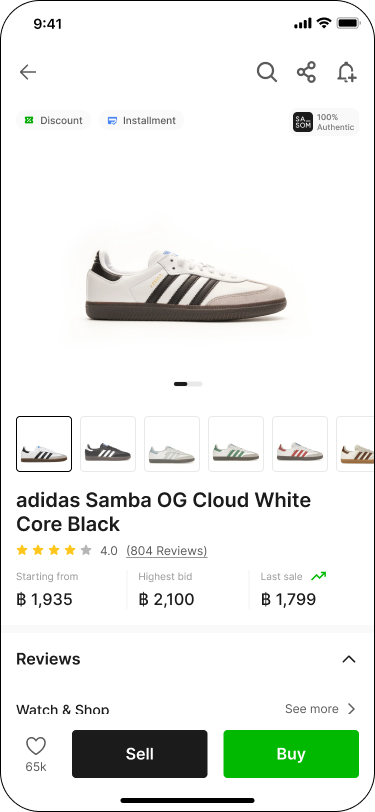
Step 1: Choose Your SASOM
Choose the product you prefer, then click 'Buy'.
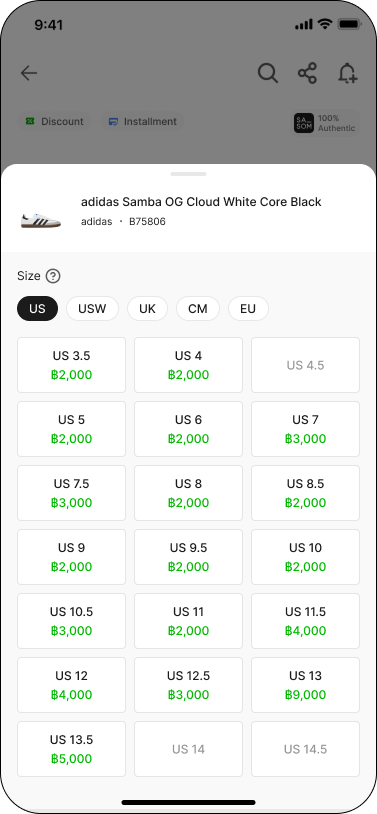
Step 2: Select Size
We will display the fastest shipping price and the best price for each size.
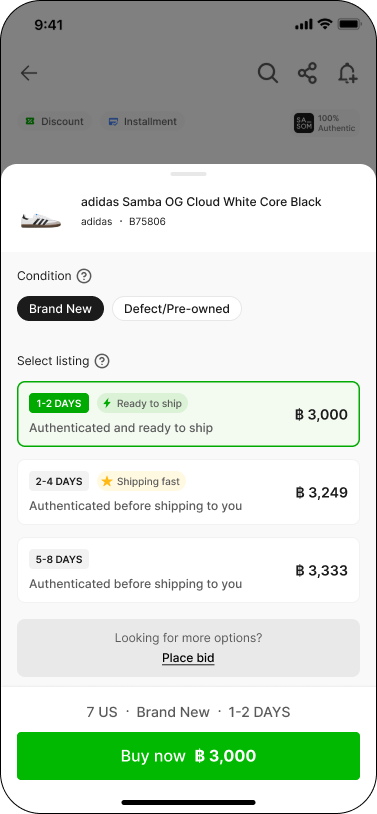
Step 3: Swipe to See Options and Select to Buy
The fastest and best-priced options are filtered for you! Simply select to buy or swipe up to see more.
To view all available brand new or pre-owned items, tap 'See all listings' to browse all available listings.
Note:
✳ For Shoes category, you can only view listings that match your selected size.
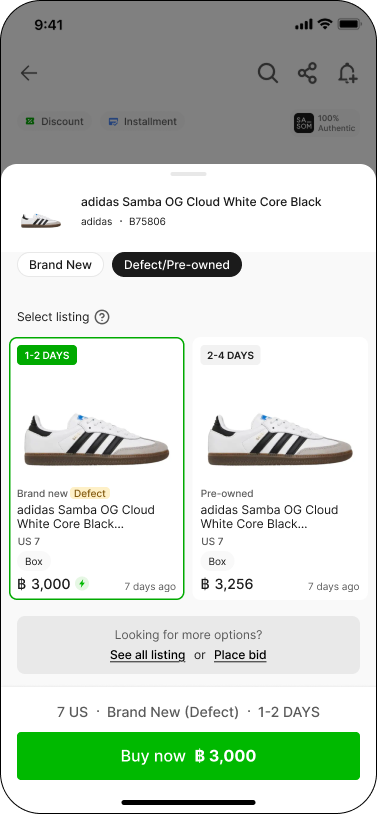
If the product has defects, you can view the defect details by clicking on 'Defect photos'.
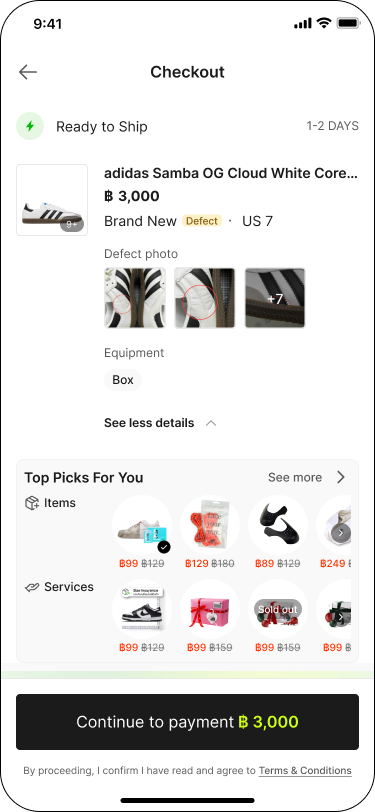
Step 4: Checkout
Fill in your shipping address, shipping method, and payment method. Check whether you want any add-on service with your item. Apply promo code (if any) and click 'Continue to payment'.
Step 5: Payment
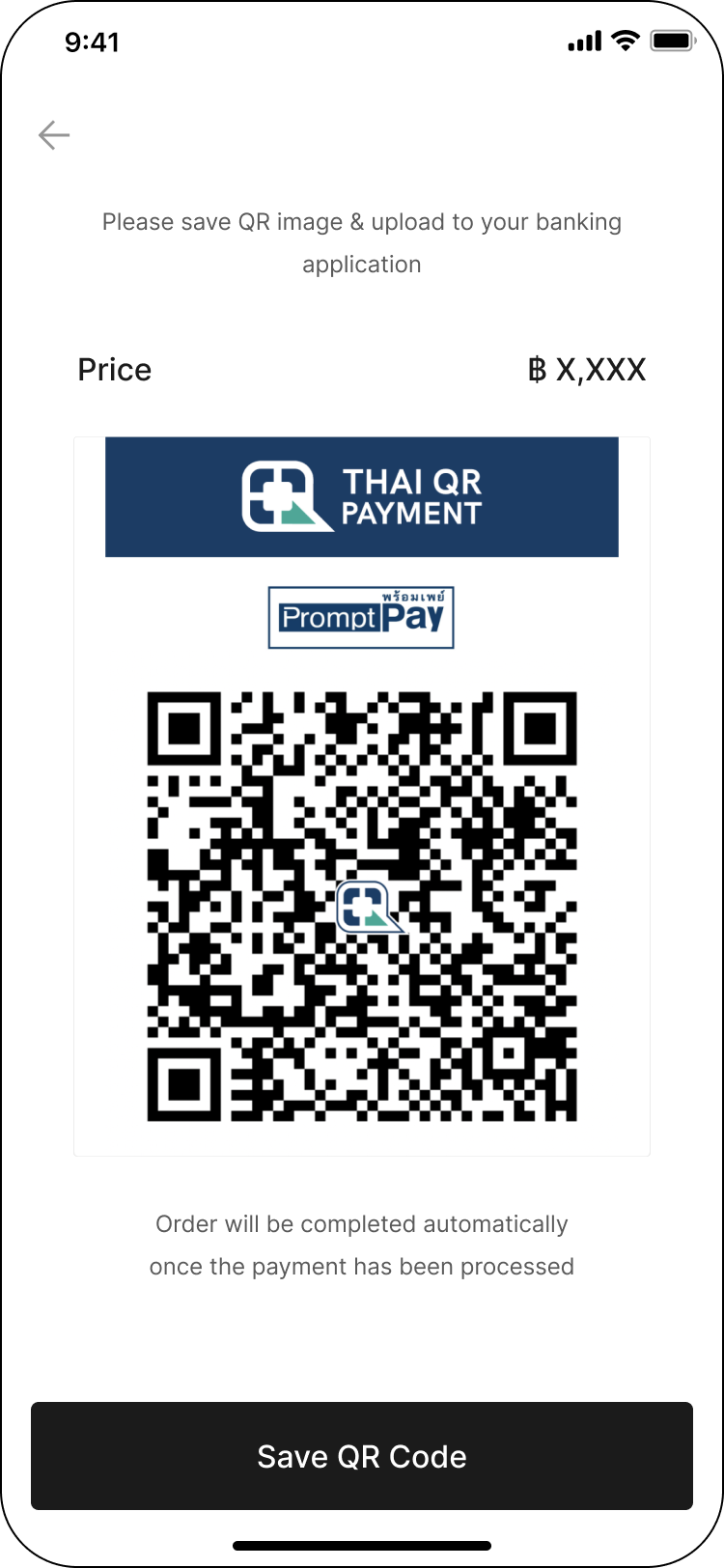
Complete the payment process via payment method you've previously selected.
✳ Bank transfer
✳ Credit/Debit card
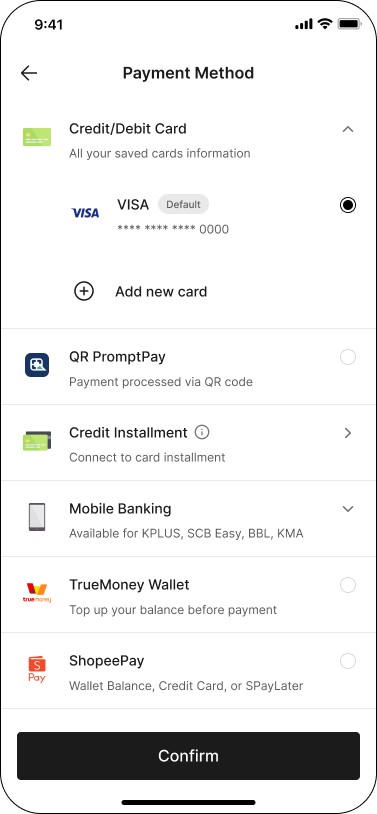
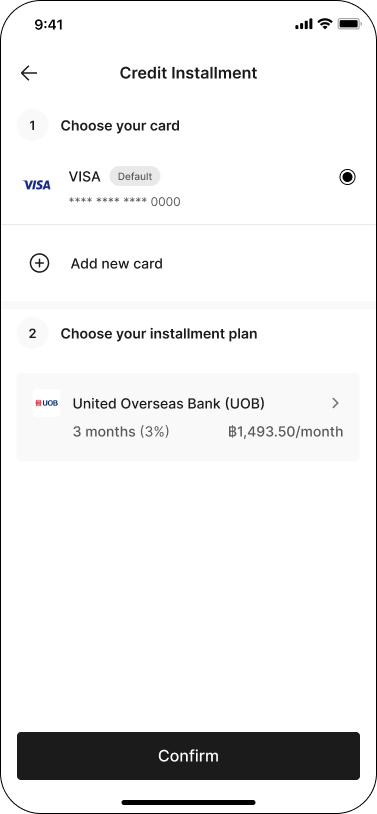
✳ Credit card installment
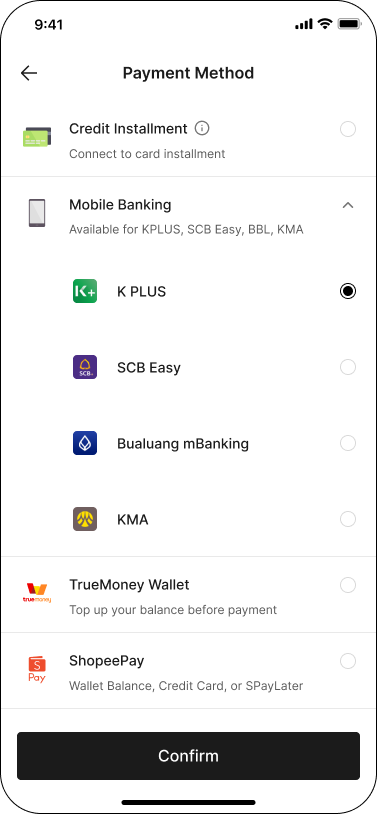
✳ Mobile Banking
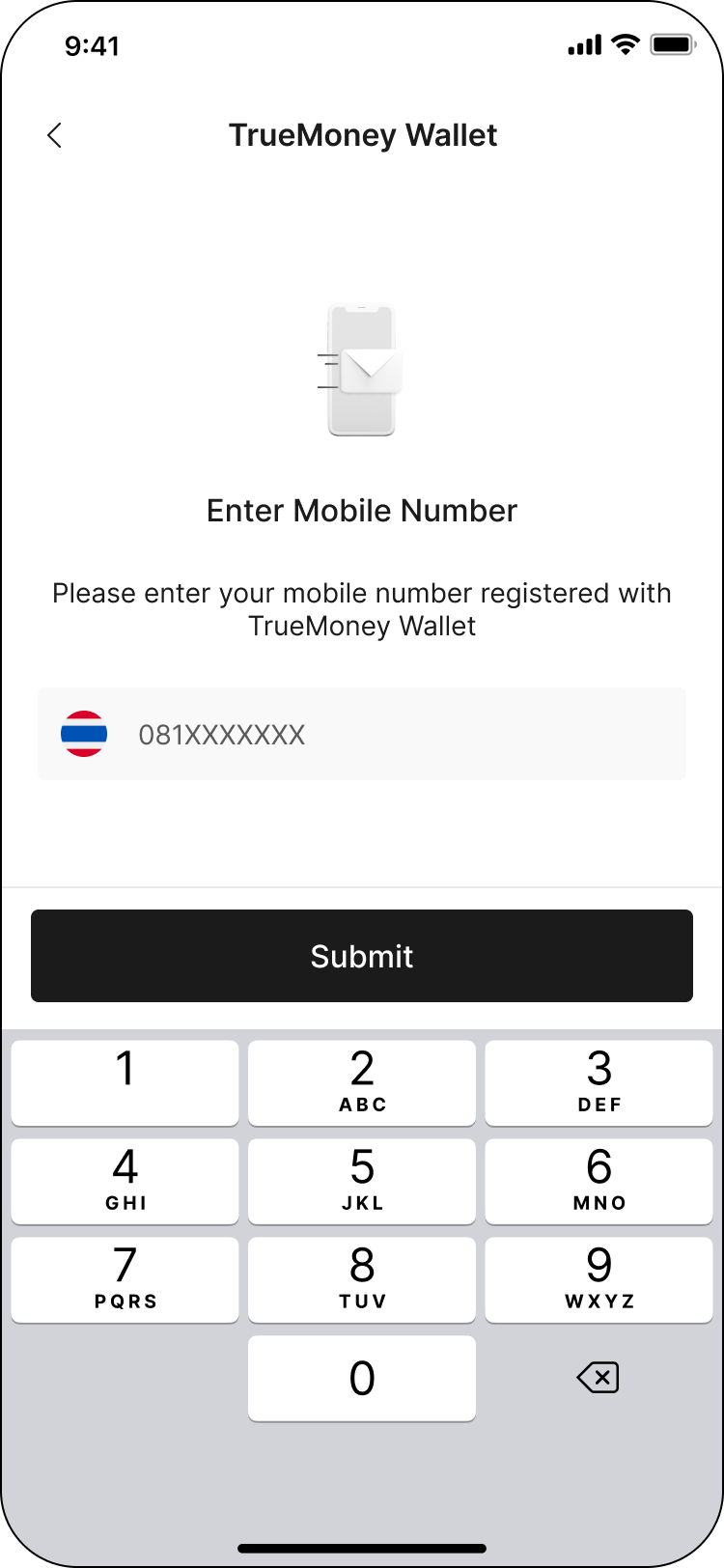
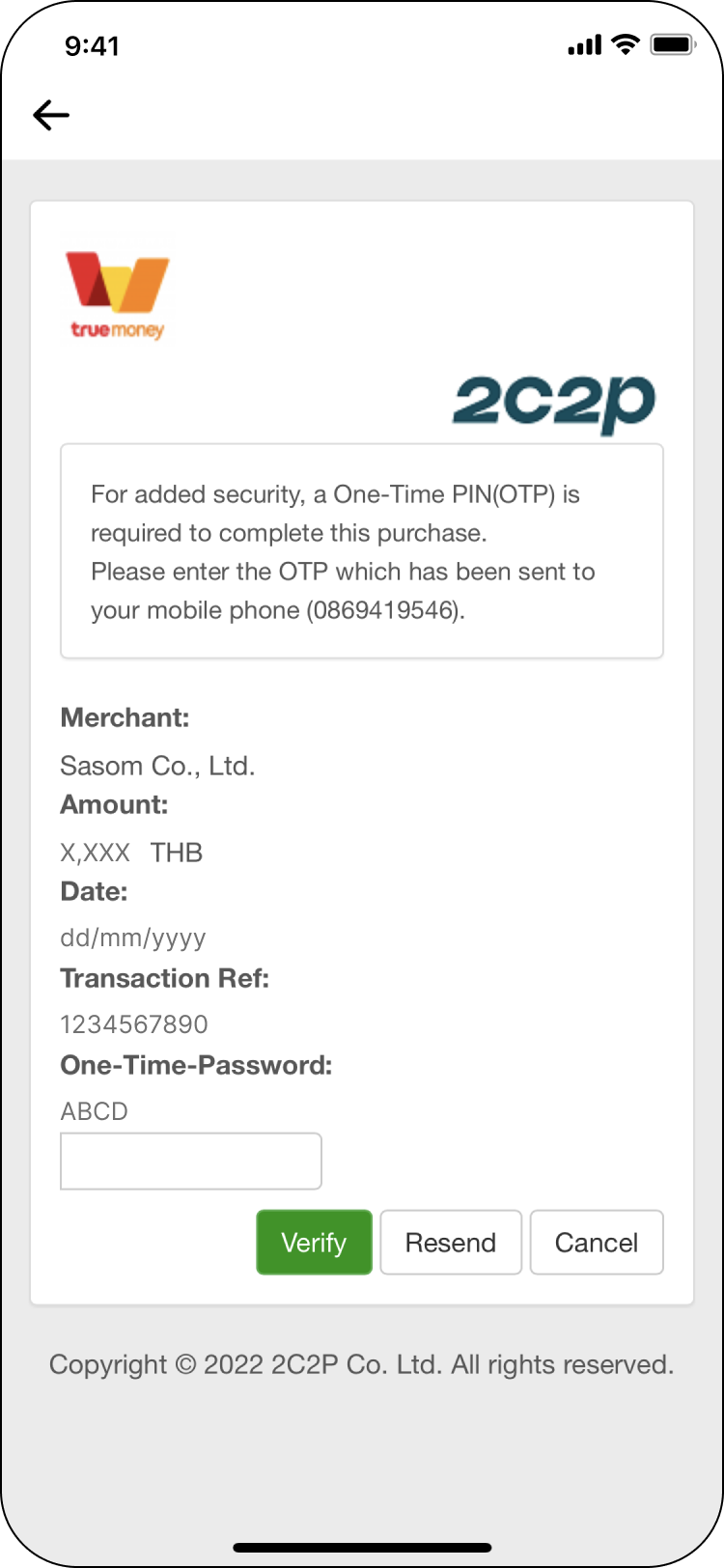
✳ TrueMoney Wallet
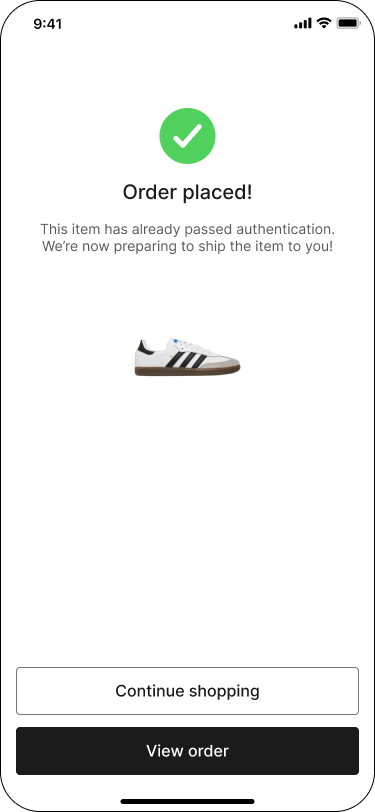
Step 6: Order Placed!
SASOM will notify the Seller to ship item to us for authentication. We will deliver your item to your door as soon as possible with authenticity, quality, and condition guarantee.
You can track order status via the 'Buying' menu. If there are any issues with your purchase, we will notify you and provide the best alternative tailored just for you!
✳ If you cannot find the right item at the right price, feel free to bid!