How to find and join a LIVE show?
Updated May 13, 2026
You can discover and join LIVE shows exclusively on the SASOM app.
Step 1: Find LIVE shows
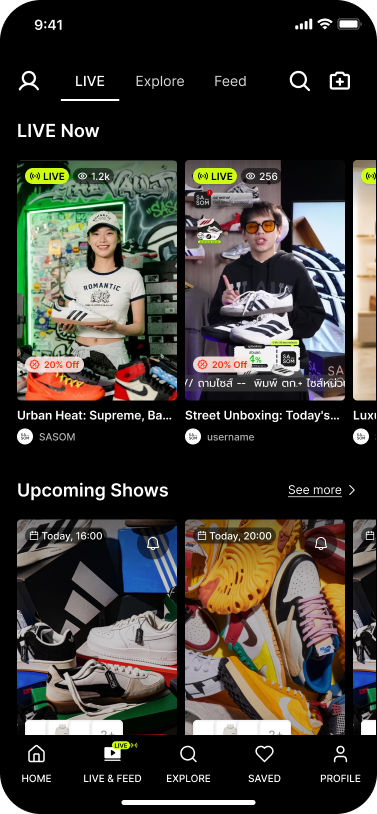
Go to the 'LIVE & Feed' tab to browse current and upcoming LIVE sessions.
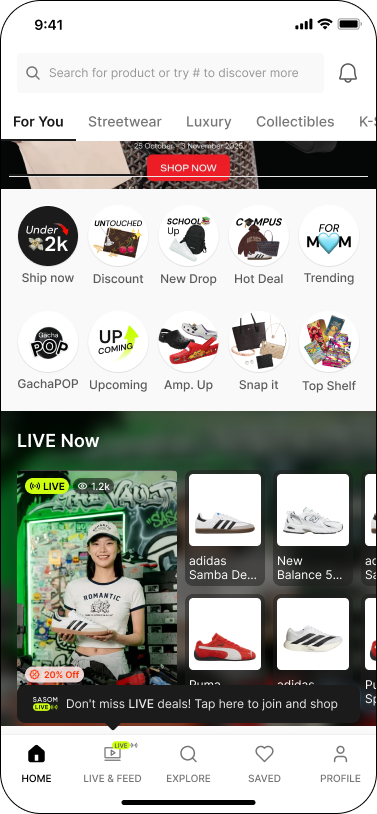
You can also find LIVE sessions that appear on your 'For You' home page, search results, product details, and the 'LIVE' tab on host profiles.
Step 2: Join a LIVE
Select a LIVE to enter.
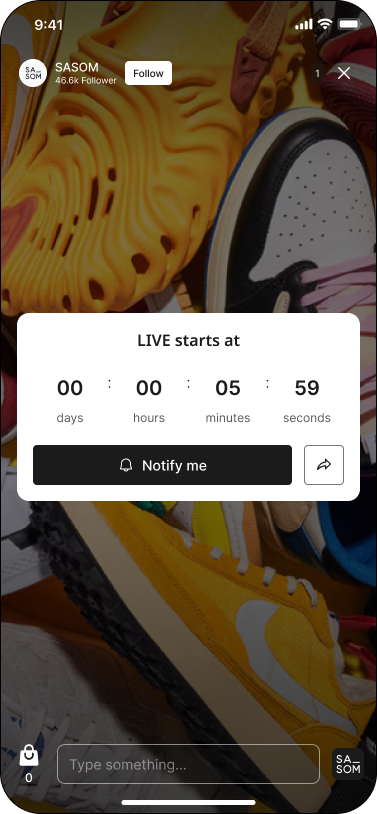
For upcoming LIVE sessions, tap 'Notify me' to receive a notification as soon as the host goes live
Step 3: Create your SASOM Profile
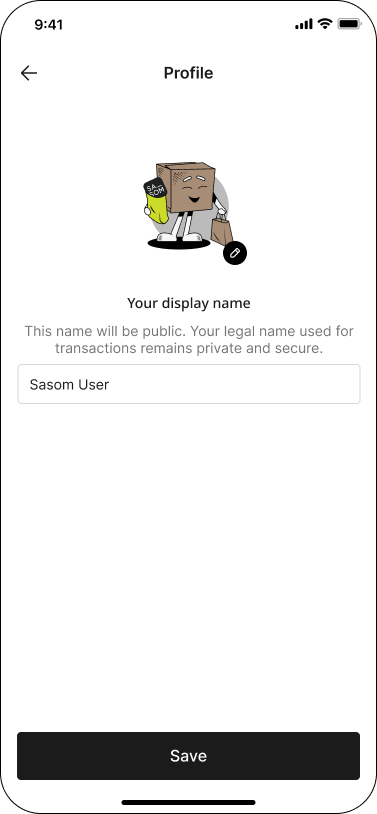
Complete profile setup by entering your Display name if prompted before joining.
Note:
✳ Your Display name will be visible to other viewers during LIVE.
✳ Learn more about setting up your profile in How to create your SASOM Profile.